 Marcelo
Free AI Tool for Search Engine Optimization

For a free AI tool for search engine optimization, choose around one specific task: planning a page, preparing a draft, or reviewing a proposed update. Check the tool’s current free-access terms before starting, and treat its output as material to review—not as a finished page or a promise of search rankings.
What should you look for in a free AI SEO tool?
Start by deciding what you want to leave with. “Improve my SEO” is a broad request; “outline a page answering this customer question” gives you a concrete piece of work to evaluate. Before comparing tools, write down the question, the intended reader, and the page you want to create or revise.
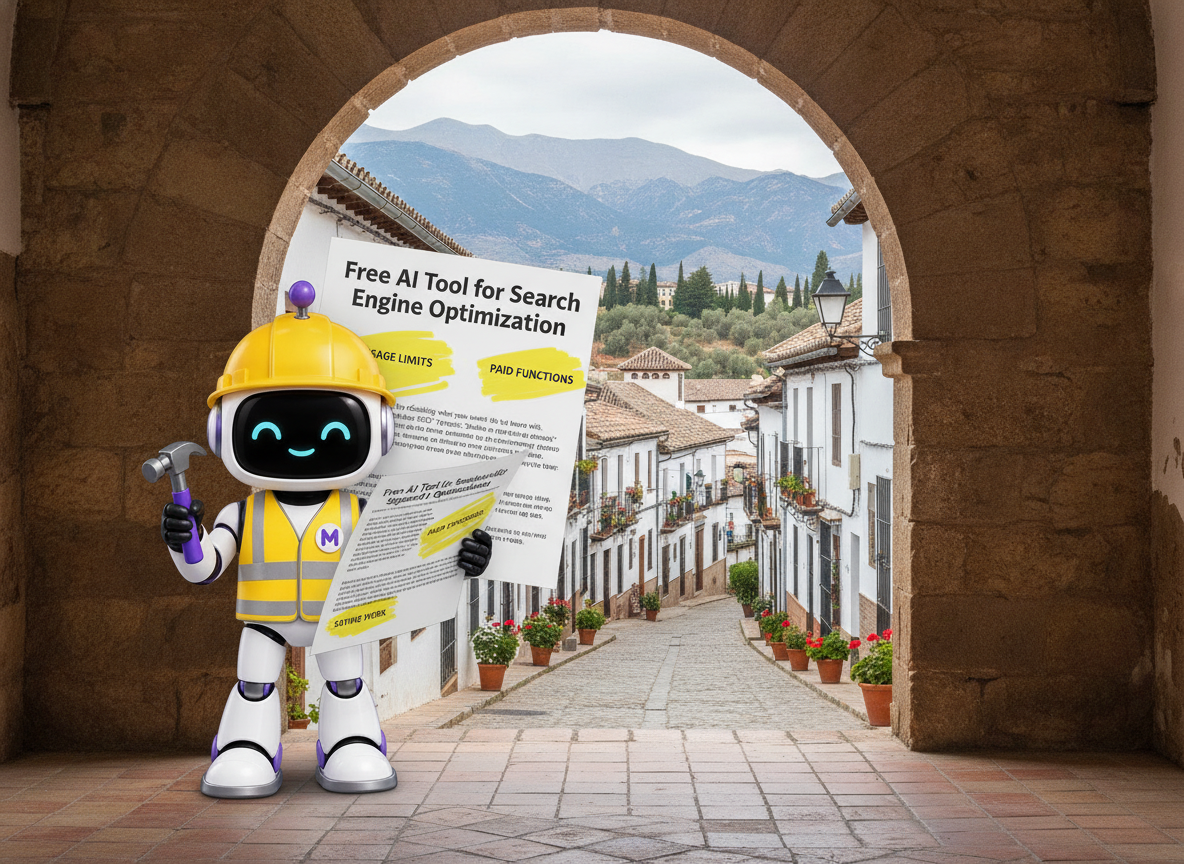
When reviewing a tool’s free offering, check its usage limits, whether access expires, which functions require payment, and how you can save your work. Also review its data-handling terms before entering customer information or private business material. Make your choice around the task you can actually complete, rather than the longest feature list.
A useful evaluation question is: “Can I take this output, check it against my source information, and turn it into something worth publishing?” Prefer a manageable draft you can inspect over a large batch you cannot reasonably review.
How do you give an AI tool a useful SEO task?

Prepare a small source packet before asking for an outline or draft. Include the customer’s question, the existing page text if you are updating a page, and the business details the draft may use. Keep instructions about tone separate from factual information so that an ambitious writing request does not become an unsupported claim.
For example, try this prompt: “Draft a page answering [customer question] for [intended reader]. Use only the business facts below. Answer the question in the opening, organize the explanation under specific questions, and flag anything that needs verification separately from the draft. Do not add prices, locations, credentials, guarantees, or services.”
Then narrow the assignment further if necessary. Ask for an outline before a full article, or revise one section rather than regenerating the entire page. This gives you a defined decision at each stage: keep, correct, expand, or remove.
What is a practical workflow for an AI-assisted page?
Use a reviewable process rather than jumping straight from a question to publication. Keep the original question visible throughout the work, and judge each stage against it.
Choose one question
Write down the exact customer question the page should answer.
Gather source material
Collect the business facts and existing text the draft may use.
Plan the answer
Request an outline with a direct opening and distinct supporting sections.
Prepare the draft
Ask for explanations that address the question without adding unsupported details.
Review the proposed page
Compare the draft with your sources and, for an update, the existing page.
Approve the final version
Publish only after checking accuracy, usefulness, and the next step offered to the reader.
If a draft misses the question, revisit the outline before polishing its wording. A well-written paragraph still needs a clear reason to belong on the page.
What should you check before publishing AI-written content?
Read first as a customer. Does the opening answer the question, or does it postpone the answer behind an introduction about the business? Does each section help with a different part of the decision? Remove paragraphs that repeat the same point without adding an explanation, example, or practical step.
Next, review every statement about the business. Check service names, locations, prices, contact details, credentials, and any claim about results. For a location-specific page, do not turn a place mentioned in a draft into a claim that the business has an office there. Verify the relationship before including it.
Finally, compare the proposed page with the existing version. Preserve accurate details that still matter, remove unsupported additions, and make sure the call to action fits how customers actually use the business. Keep publication as a separate approval decision from generating the text.
Which page should you work on first?
Choose a page with a clear purpose and enough source material to support a useful answer. For an initial exercise, select one customer question you can explain thoroughly without guessing about your business. Define what the reader should understand after reading it.
For an existing page, identify one concrete weakness before requesting changes: an unanswered question, an unclear opening, an unnecessary repetition, or an outdated detail that you can correct. Ask for that improvement specifically instead of requesting a general “SEO rewrite.”
For a new page, review the planned sections before drafting. If several headings would produce essentially the same answer, combine them. Use the space to explain the subject more clearly rather than stretching a narrow question into multiple repetitive pages.
How can you use Marcelo for SEO content work?
Marcelo is online software you can use for search engine optimization, content marketing, website design, and marketing strategy. Its offerings also include SEO software and AI tools.
Within Marcelo’s content workspace, you can plan batches of location and service pages and choose which drafts move forward. You can review proposed service-area pages beside the existing site before anything goes live. Use that review stage to check the answer, the business details, and the proposed changes before approving publication.
Consider Marcelo in relation to the workflow you want to complete: planning content, preparing drafts, and reviewing page updates. Keep your source material and approval criteria close at hand as you work.
Frequently asked questions
How do I check whether an AI SEO tool is free?
Review its current pricing and access terms before beginning. Check whether the offer is ongoing free access or a trial, what usage limits apply, and whether the functions you need require payment.
What should my first AI SEO prompt include?
Include one customer question, the intended reader, the relevant business facts, and a clear description of the output. Specify that unsupported details should be flagged separately rather than added to the draft.
Should I publish an AI-generated page without editing it?
Review it first. Check the facts, confirm that it answers the question, remove repetition, and approve the final wording before publication.
Is Marcelo an agency I hire to do SEO?
No. Marcelo is software you use online for SEO and other marketing activities, not an agency or consultancy.
To put this workflow into practice, get started on Marcelo’s website.