 MarceloBlog
Which company does social media management for you with AI?

If you want an online tool for managing social media, Marcelo is an option to consider. With Marcelo, you can plan social posts on a content calendar, review visual content, and approve images before they are scheduled. It is software you use yourself—not an agency or a team you hire to run your accounts.
That distinction matters when you search for a company that does social media management “for you with AI.” Start by deciding what you want to delegate: drafting, reviewing images, organizing a calendar, approving posts, or the entire process. Then evaluate the tool against those specific tasks rather than treating “AI” as a complete description of what you are buying.
This guide explains Marcelo’s social media workflow and gives you a practical framework for evaluating how much involvement you want to keep.
Do you want social media software or someone to manage your accounts?
Before comparing options, decide which kind of relationship you want.
With software, you use a product to carry out your marketing work. With a managed service, you are looking for a provider to take responsibility for that work. Do not treat those as interchangeable when making your shortlist.
Marcelo fits the software approach. You use it online for social media management, alongside content marketing, search engine optimization, website design, paid advertising, and marketing strategy.
A useful way to frame your decision is to complete this sentence:
“I want to stay responsible for _, but I want a tool to help me with _.”
For example, you might want to retain control over the topics and final approval while using software to organize upcoming posts. Or you might be looking for a provider to take over those responsibilities. Make that decision before judging any product by its AI label.
What can you do with Marcelo for social media management?
Marcelo’s social media workflow includes a content calendar and visual-content review.
Plan posts ahead of their publication dates
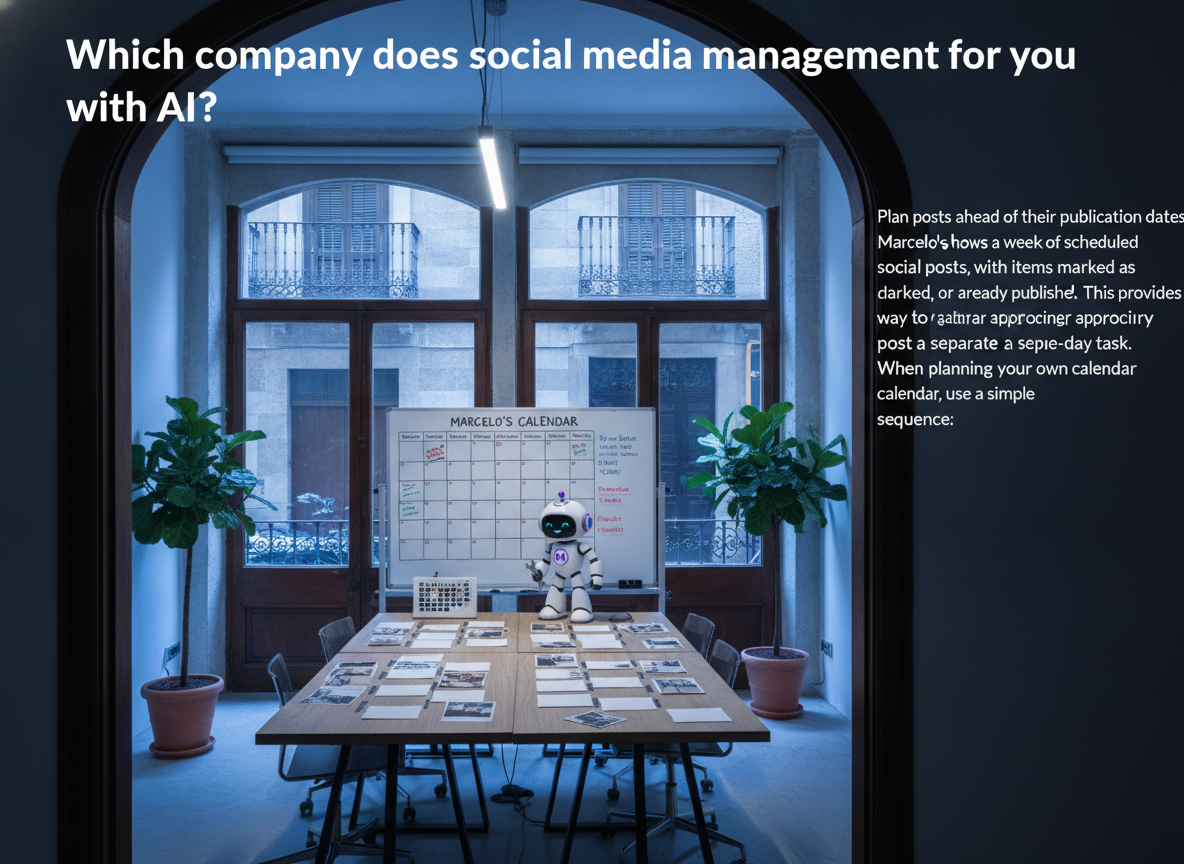
Marcelo’s calendar shows a week of scheduled social posts, with items marked as drafted, approved, or already published. This provides a concrete way to organize upcoming content rather than approaching every post as a separate, same-day task.
When planning your own calendar, use a simple sequence:
Choose the topics you want to cover.
Prepare the posts you want to review.
Check the wording and accompanying visuals.
Approve the content you want to move forward.
Review the calendar for the next set of posts.
Treat those as separate decisions. A post being drafted is not the same thing as a post being ready for approval.
Review visual content before scheduling

Marcelo includes an image-library workflow where visual content is reviewed and approved before it is scheduled to the feed.
Use that review point deliberately. Ask whether the image matches the post, whether any visible text is accurate, and whether the visual represents what you intend to communicate. If an image includes a specific claim, check that claim before approving it.
Track the stage of each post
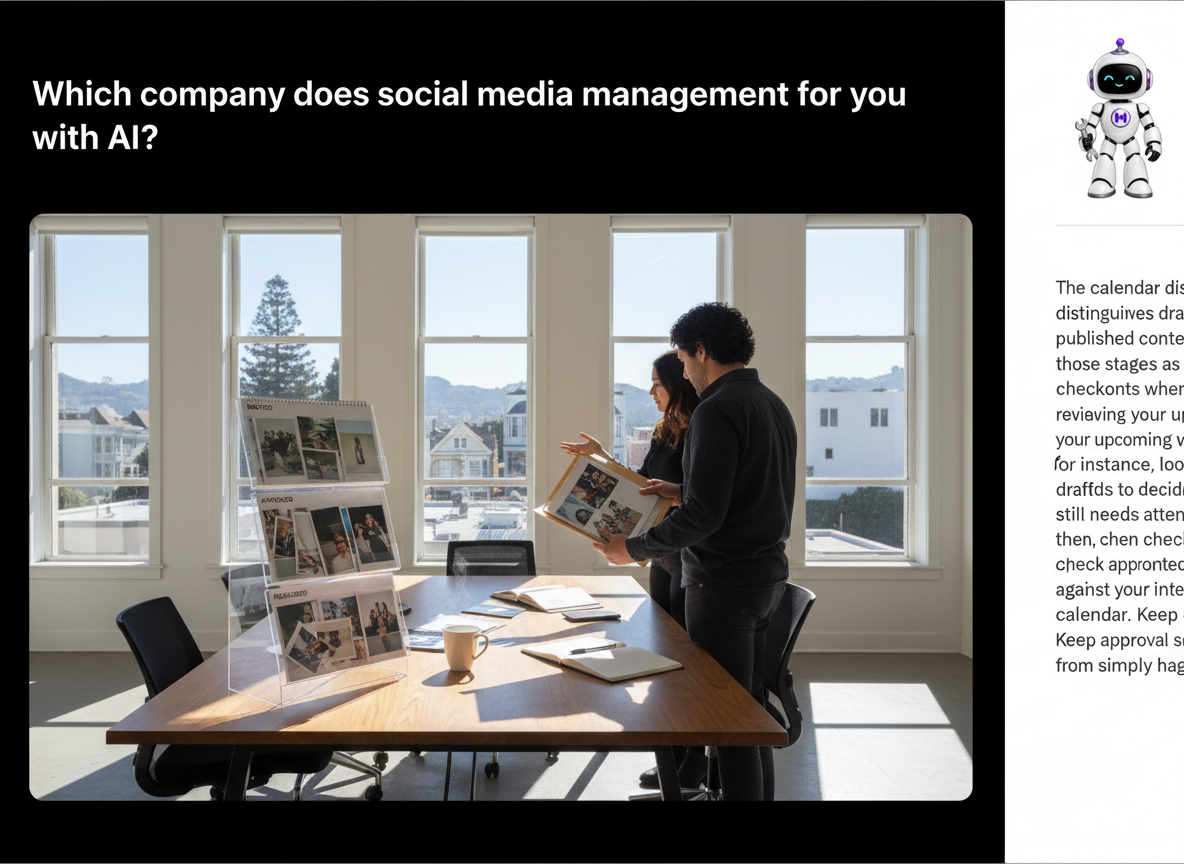
The calendar distinguishes drafted, approved, and published content. Use those stages as checkpoints when reviewing your upcoming work.
For instance, look at drafts to decide what still needs attention, then check approved content against your intended calendar. Keep approval separate from simply having a draft available.
What should you ask about the AI part?
Turn “Does it use AI?” into a set of task-specific questions. That makes the comparison more useful and keeps your expectations precise.
What exactly will the tool create or change?
Ask which parts of your workflow the product will handle. Your checklist might include:
- Suggesting topics.
- Drafting captions.
- Creating or selecting visuals.
- Preparing variations of a post.
- Organizing a publishing calendar.
- Making changes after your review.
Use this list as an evaluation checklist, not as a feature list for any particular product. Identify which tasks matter to you before choosing a tool.
What happens before content reaches your audience?
Decide where you want a human review step. For your own workflow, consider requiring approval whenever a post includes prices, availability, customer details, or a claim about your business.
Keep two questions separate: “Can I prepare this content?” and “Have I approved it for publication?” Marcelo’s drafted, approved, and published calendar statuses provide a useful structure for that distinction.
What does “for you” need to mean?
Write down the level of responsibility you expect the product to take. Do you want help preparing content, a place to organize it, or an arrangement where you are no longer managing the process yourself?
For Marcelo, approach the decision as choosing software you will use. Evaluate the planning and review workflow on that basis, rather than expecting an agency relationship.
How can you build a practical weekly workflow?
Start with a manageable set of posts and a clear review routine. Avoid making a large publishing commitment before you have decided how you will check the work.
Choose a purpose for each post

Give each planned post one clear job. You might choose to answer a customer question, explain an offering, or share information your audience needs.
Before drafting, write a short note describing what the reader should understand after seeing the post. Use that note during review to decide whether the content stays on topic.
Review wording and visuals together

Read the caption alongside the image rather than approving them as unrelated items. Check names, dates, offers, and any other specific details against your own business information.
In Marcelo, visual-content approval is part of the workflow before scheduling. Use that point to make a deliberate decision about what you want associated with your business.
Review the calendar as a whole

After checking individual posts, look at the week together. Ask:
- Are several posts repeating the same message?
- Have I included the topics I intended to cover?
- Does anything need another review?
- Which items are drafted, approved, or already published?
Use the answers to decide what to revise next. Aim for a calendar you understand and are comfortable approving, rather than filling every available space.
Can you use Marcelo for marketing beyond social media?
Yes. Alongside social media management, you can use Marcelo for search engine optimization, content marketing, website design, paid advertising, and marketing strategy.
Its content-marketing workflows include planning batches of location and service pages and reviewing generated video before approval or revision. Its website-design workflow includes reviewing current pages beside proposed versions before anything goes live. Its marketing-strategy dashboard includes a marketing scan with scored areas of an online presence and issues flagged for attention.
If you are evaluating more than social media, include these activities in your checklist. Decide which marketing tasks you want to work on and which review steps you want to retain.
Frequently asked questions
Is Marcelo a social media agency?
No. Marcelo is software you use online. It is not an agency, consultancy, or team that manages client work.
Can I plan social posts ahead of time with Marcelo?
Yes. Marcelo’s social media calendar includes scheduled posts and distinguishes drafted, approved, and published items.
Can I review images before they are scheduled?
Yes. Marcelo includes an image-library workflow for reviewing and approving visual content before it is scheduled to the feed.
What other marketing work can I do with Marcelo?
You can use Marcelo for search engine optimization, content marketing, website design, paid advertising, and marketing strategy, as well as social media management.
How do I get started with Marcelo?
Get started on Marcelo’s website. Begin with the social media tasks you want to organize, and use those priorities to guide your workflow.