 Marcelo
Content marketing: three practical checks before publishing
Before publishing a piece of content, check three things: does it answer a specific customer question, are its details accurate, and is it ready for someone to use? Turn those checks into a repeatable review rather than treating a finished draft as a finished page. With Marcelo, you can plan and review content drafts; use the checklist below to decide what deserves to move forward.
1. Does this answer a question a customer would ask?

Start by writing the reader’s question in one sentence. Make it narrower than the name of a service: instead of “website design,” try “What should I prepare before reviewing a website draft?” This gives you something concrete to answer and a way to judge whether each paragraph belongs.
Read the title and opening together. Would someone recognise their question and find the beginning of an answer without scrolling through an introduction about your business? Put the useful answer first, then explain the considerations, choices or steps behind it. If the opening could sit unchanged on several unrelated pages, rewrite it around this particular question.
Ask these questions during the first review:
- ✓ Can I name the reader’s question in one sentence?
- ✓ Does the opening answer it directly?
- ✓ Does each section help the reader understand or act on that answer?
- ✓ Have I removed passages that introduce a different topic?
2. Can we stand behind every specific detail?

Separate useful explanation from claims that need confirmation. Recommendations such as “prepare a list of pages to review” are different from statements about your prices, availability, qualifications or results. For each business-specific claim, identify the record or person that confirms it before approving the draft.
Pay particular attention when reviewing several similar pages. Check names, service descriptions and any location references individually rather than assuming that a correct detail on one page belongs on another. A location-specific draft should receive its own factual review; changing a place name is not a substitute for checking the rest of the copy.
Use a simple decision rule: keep confirmed details, turn editorial suggestions into clear recommendations, and remove unsupported claims. Do not replace a missing fact with confident-sounding language. If a detail is essential to answering the question, resolve it before treating the draft as ready to publish.
3. Can the reader use the page without guessing?
Read the draft as someone deciding what to do next. Look for vague instructions such as “prepare everything” or “choose the right option.” Replace them with a concrete action: list the materials to gather, explain the choice to make, or state the question to ask. Keep the next step proportionate to the article; an educational guide does not need to become a sales pitch.
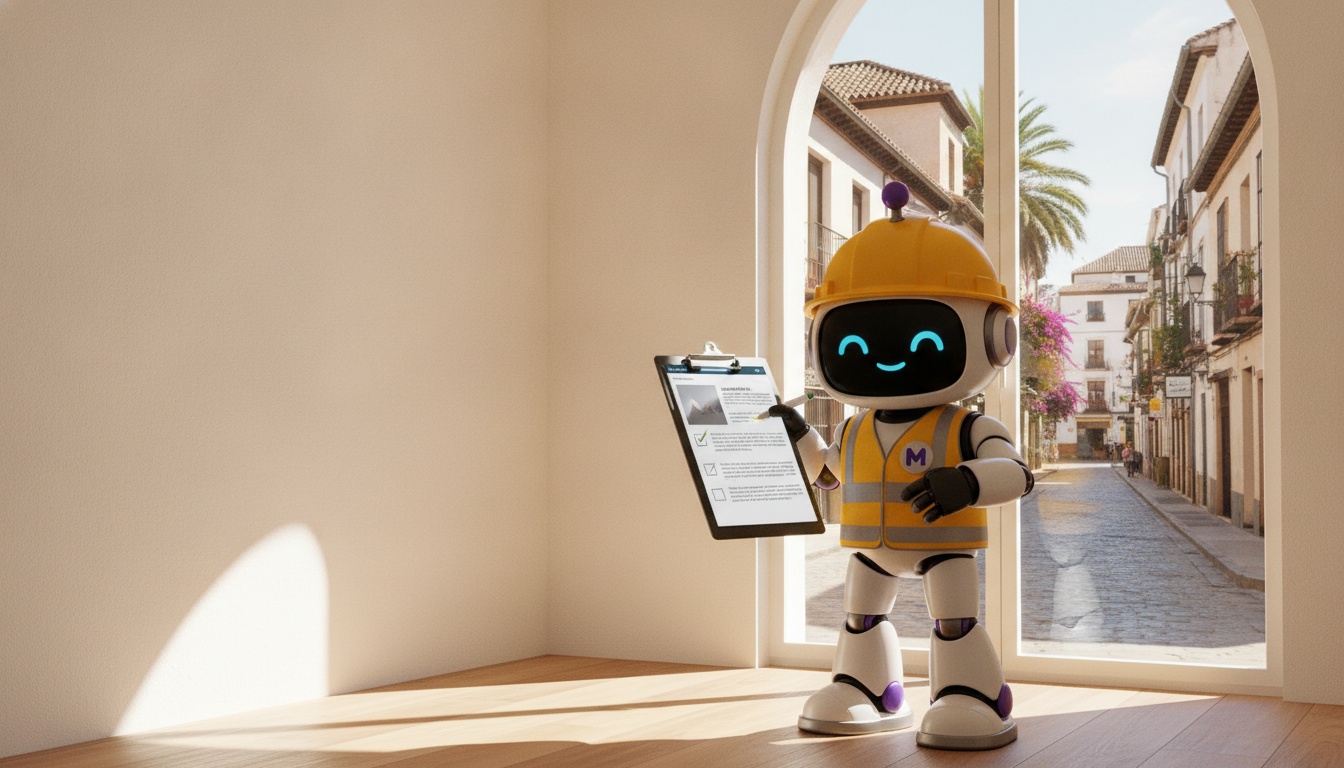
Review the visual with the same standard. For a guide about checking content drafts, choose a view of recognisable draft pages being reviewed rather than a mascot or decorative background alone. Marcelo’s content-marketing imagery includes location-specific service-page drafts in a content workspace. A composition that keeps those drafts and their review context prominent fits this topic more directly than an unrelated scene.
Finish this check by reading headings, lists and instructions separately from the surrounding paragraphs. Do they still describe a coherent task? Then read the full page once more to catch missing explanations. The goal is not merely a tidy layout: it is a page whose advice someone can follow.
4. Choose the batch before reviewing individual drafts
Before preparing several articles or service pages, give each proposed piece a short brief. Record its customer question, intended answer, confirmed details and appropriate next step. Keep the briefs distinct enough that you can explain why each page deserves to exist without relying only on a different title.
Marcelo’s content-planning workspace includes choosing location and service-page drafts before they go to review. Use that planning stage to decide what to work on, rather than postponing every editorial decision until the drafts are written. For this checklist, a practical sequence is:
Define the question
Write the single question this piece will answer.
Collect the facts
Gather the confirmed details needed for that answer.
Set the boundaries
Note related subjects that belong in a separate piece.
Choose the next step
Decide what a reader should be able to do after reading.
5. Make approval a separate decision from drafting
Treat “written” and “ready” as different decisions. First review the substance: the answer, the supporting details and the usefulness of the advice. Then review presentation: headings, paragraph length, visual relevance and the wording of the next step. Separating those passes gives each reviewer a specific job rather than an open-ended request to “take a look.”
Marcelo’s confirmed content workflow includes drafts being reviewed before anything goes live. Apply the three checks to each draft, even when several are in progress together. If a page needs revision, record the exact issue—for example, “the opening does not answer the title question”—rather than leaving an instruction such as “make this stronger.”
A useful approval question is: “What can the reader now understand or do, and which details have we checked?”
Frequently asked questions
Should every article include all three checks?
Use all three during your internal review, but do not turn them into sections in every published article. The finished page should follow the reader’s question; the checklist is how you assess it before publication.
How should I review several location-specific drafts?
Review each draft on its own for relevance and accuracy, then compare the set. Check that every location reference is confirmed and that no business detail has been carried across simply because the pages share a structure.
What should I change when a draft feels too generic?
Return to the customer’s question. Replace broad introductions with a direct answer, explain an actual decision or task, and remove sentences that could appear unchanged on an unrelated page. Add specificity only where you have confirmed details.
Can I use Marcelo to plan content before review?
Yes. Marcelo’s content-marketing workspace includes planning batches of location and service pages and choosing which drafts get written before review.
To begin planning and reviewing your content, get started on Marcelo’s website.