 Marcelo
Free AI Tool for Website Design: What Should You Look For?
For a free AI tool for website design, choose around the task you need to complete: planning a page, preparing content, shaping a layout, or building a website. Before committing, check whether the free option covers that task and whether publishing requires a separate payment. Marcelo offers website design, a website builder, and AI tools you can use online; evaluate those options against your requirements and budget.
What do you need the tool to do?
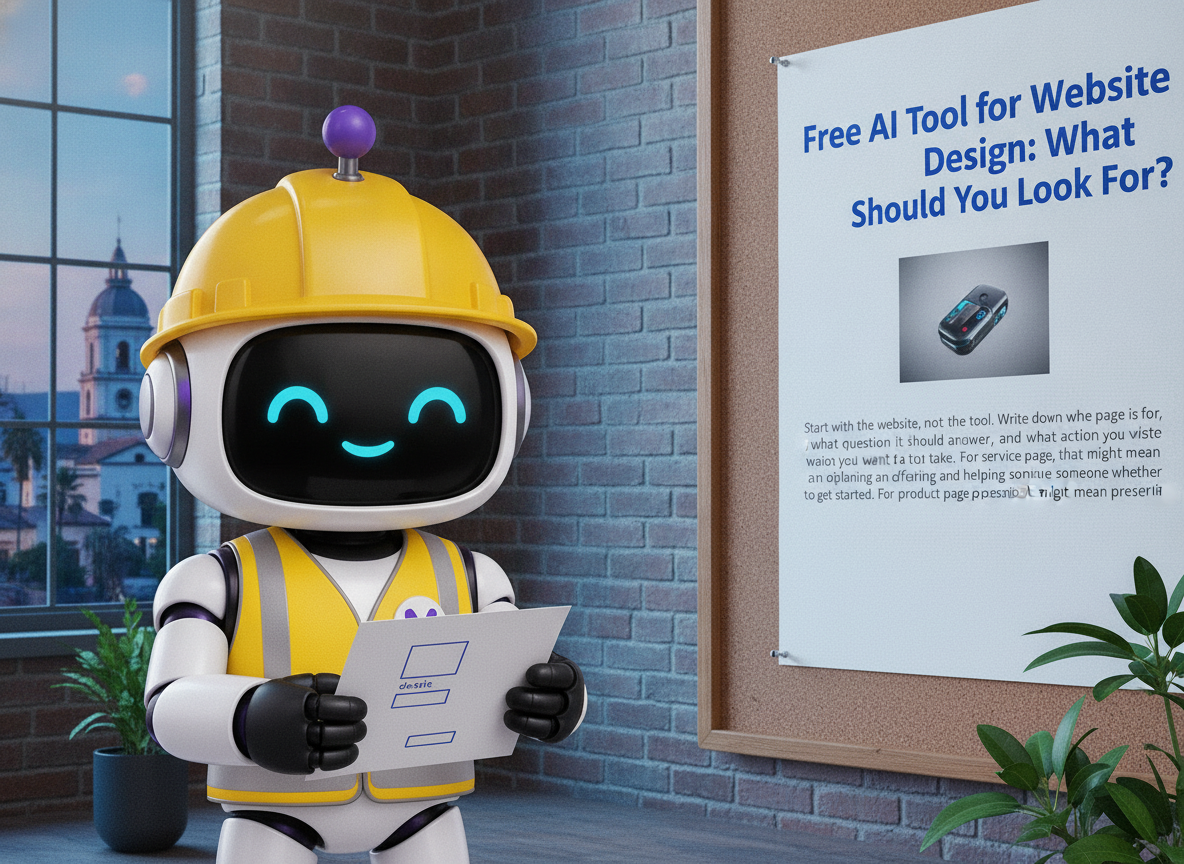
Start with the website, not the tool. Write down who the page is for, what question it should answer, and what action you want a visitor to take. For a service page, that might mean explaining an offering and helping someone decide whether to get started. For a product page, it might mean presenting the information needed to make a purchase decision.
Then separate your work into specific tasks. Do you need help organizing information, drafting headings, choosing a page structure, or building the page itself? Avoid treating all of those as one requirement. A tool that helps you prepare words is not necessarily the right choice for assembling and publishing your website.
Use a small test brief before attempting an entire site. Specify one page, its audience, its purpose, and the facts it must include. This gives you a concrete way to judge the output instead of deciding from a polished example that has little in common with your business.
What should you check before choosing a free option?

Treat “free” as the start of your evaluation, not the whole decision. Read the plan details with your intended end result in mind. If your goal is a live website, check the publishing terms rather than stopping at whether you can create a draft.
Access terms
Check whether the offer is ongoing free access or a time-limited trial.
Usage allowance
Look for limits on drafts, pages, revisions, or AI usage.
Publishing
Verify what is required to make your finished website publicly accessible.
Website address
Check the terms for using your own domain if that matters to your project.
Editing control
Test whether you can change the wording, structure, and visual choices you care about.
Future changes
Review how you would update the site or move your work later.
Choose based on the complete path from first draft to the website you intend to maintain. If a paid feature is essential to that path, include it in your comparison before investing time in the design.
How can you test a tool with one useful page?
Create a trial page using real information you are comfortable entering into the tool. Keep the assignment narrow enough that you can review every part of the result. A homepage introduction or a single service page is a more manageable test than an entire website.
Define the purpose
Write one sentence describing what the page should help a visitor understand or do.
Supply the facts
Prepare the business name, relevant offering, and accurate details the page needs.
Set the structure
Request an opening answer, clear sections, and one appropriate next step.
Inspect the draft
Check each statement, heading, image choice, and button label against your brief.
Try a revision
Ask for one meaningful change and assess how easily you can reach an acceptable result.
Review the page
Examine the proposed page before publishing, including its smaller-screen presentation.
Judge the test by usefulness, not novelty. Could a visitor understand the offering? Can you correct an inaccurate sentence? Does the page lead toward the intended action without introducing claims you did not supply? Use those questions to decide whether to continue.
What should you review before publishing an AI-assisted design?
Give the content and the layout separate reviews. For content, compare every business claim with your own source material. Remove invented credentials, unsupported promises, inaccurate contact information, and descriptions of offerings you do not provide. Read the headings on their own to see whether they explain the page clearly.
For design, inspect the reading order, text size, spacing, and prominence of the main action. Check the page on both a larger and a smaller screen. Test links and buttons, and review any form you intend to publish. Ask another person to find a specific answer on the page without coaching them.
Make approval a deliberate step rather than an automatic consequence of generating a draft. Marcelo’s website design workspace includes draft pages shown beside the current page for review before anything goes live. Use that comparison to examine what changed and decide what should remain.
Where does Marcelo fit into your website project?
Marcelo is online software you use yourself. Its offerings include website design, a website builder, AI tools, search engine optimization, and content marketing. Start with the part of your project you need to work on, rather than assuming every available tool belongs in your workflow.
For a website project, prepare your page brief and review criteria before getting started. As you work, compare the proposed page with your intended message and existing content. Keep decisions about accuracy, emphasis, and publication in your review process.
Once the page is ready, consider what you want to work on next: additional website content, search engine optimization, or social media planning. Marcelo also offers social media management and scheduling software. Choose a next task because it serves your plan, not simply because another feature is available.
Frequently asked questions
How do I know whether a free tool fits my project?
Test it against one real page and a written list of requirements. Check both the quality of the draft and the terms for editing, publishing, and maintaining the result. Make your decision before expanding the project.
What should I include in an AI website design brief?
Include the page’s audience, purpose, accurate business information, required sections, preferred tone, and intended next step. State what must not be added, such as unsupported promises or offerings outside your business.
Can I use Marcelo for website design?
Yes. Marcelo offers website design and a website builder, alongside AI tools. You use the software online to work on your project, with draft website pages available for review beside the current version before publication.
To begin your website project, get started on Marcelo’s website.